Free Twitter Character Counter
Count characters in your tweets instantly
Fast, Free Twitter Character Counter
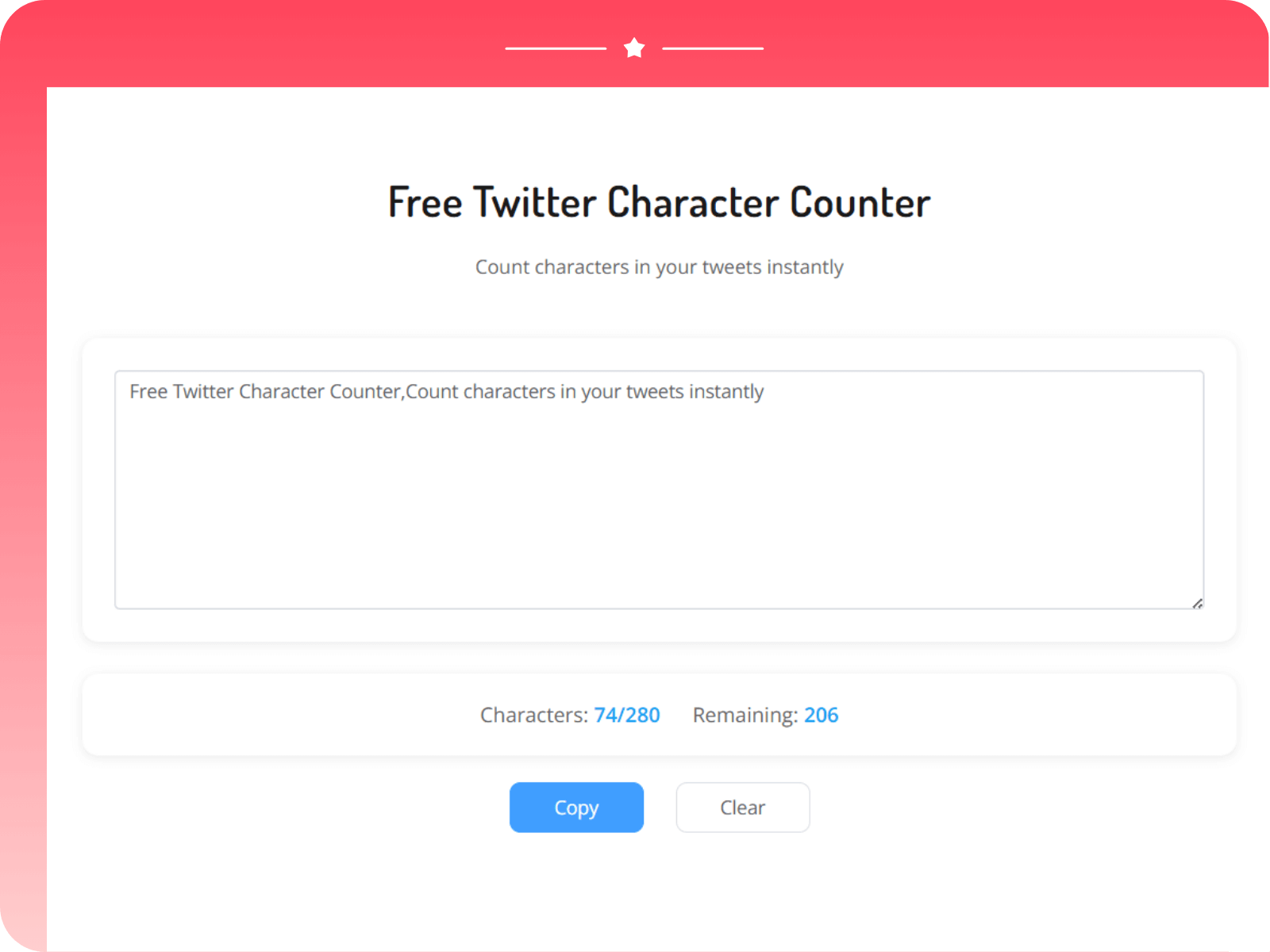
A free Twitter character counter with real-time character, including special character handling (multi-byte characters may count as 2). Instantly see used and remaining out of 280. values turn orange near the limit and red when exceeded. This 100% browser-based twitter character counter requires no login or tracking, is mobile-friendly, and supports one-click copy and quick clear — ideal for drafting tweets/X posts fast.
How to Use the Twitter Character Counter
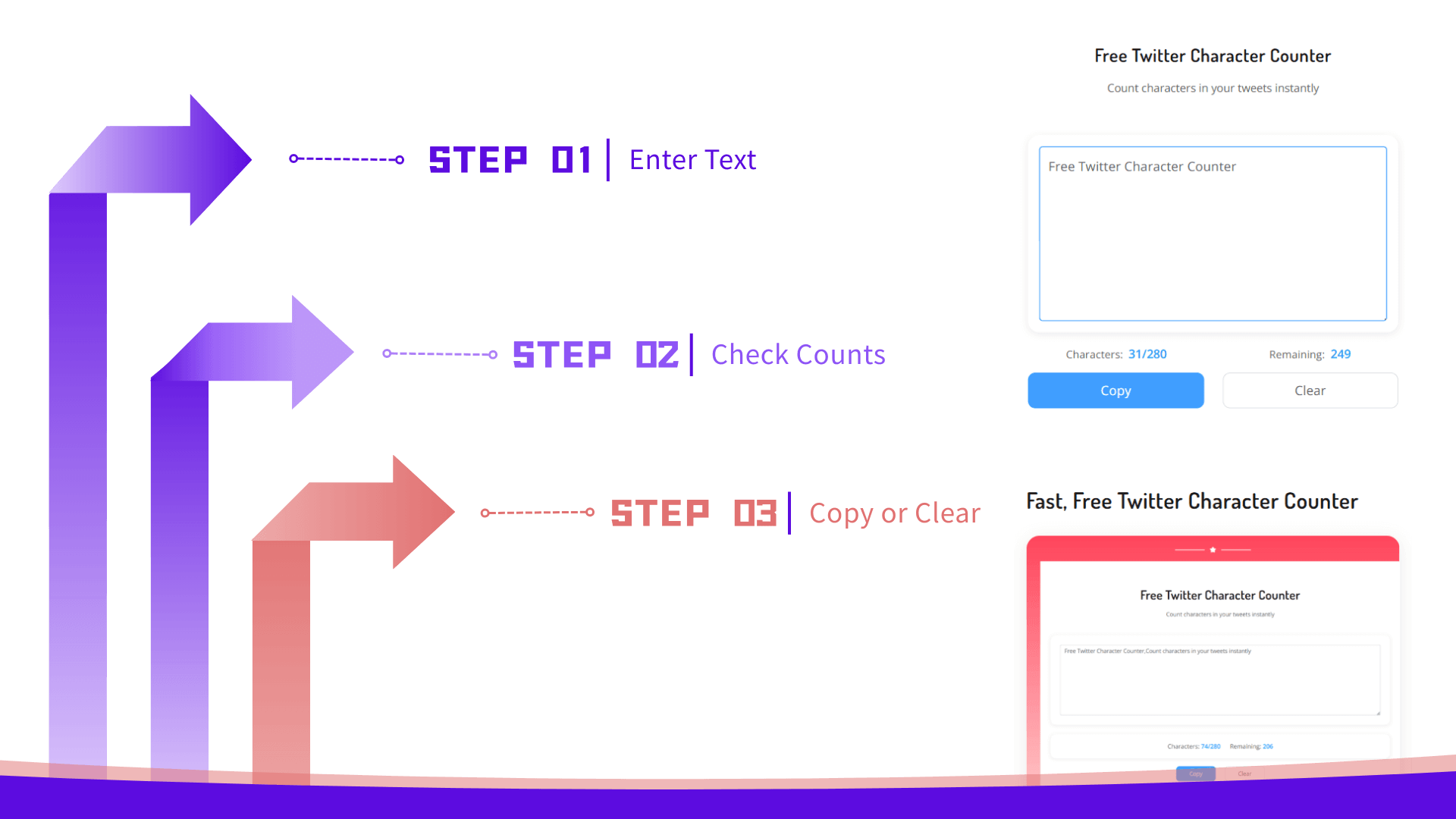
Step 1: Enter Text
Type or paste your tweet text into the input box above. The counter updates in real time as you type.
Step 2: Check Counts
View Characters and Remaining at a glance. When the count exceeds 280, the numbers turn red so you can adjust quickly.
Step 3: Copy or Clear
Click Copy to send the text to your clipboard, or Clear to start over. Simple and fast.
All Features of Our Twitter Character Counter
Our lightweight, accurate, and privacy-friendly twitter character counter is designed for writing better tweets.

Real‑time Counting
Instantly updates characters and remaining while you type for a smooth writing flow.

Special Character Support
Accurate for multi-byte and special characters; counts them properly to reflect tweet limits across languages.

Clear Warning States
Exceeding 280 shows red highlights; 240–280 shows a gentle warning color so you can fine‑tune length.

Mobile Friendly
Elegant, minimal UI that works great on phones and tablets. No installation required.

Privacy First
No login. No data collection. Everything runs in your browser.

One‑click Copy
Copy your text to the clipboard instantly with a single click—no extra dialogs or steps.

Quick Reset
Clear the input in one tap to start fresh when drafting multiple tweets in a row.

No Input Limit
Type or paste any length of text; the counter will still compute and warn accurately above 280.

Lightweight & Fast
Minimal UI and efficient logic keep everything responsive—even on low‑end mobile devices.
Who Is This Twitter Character Counter For?

Marketing & Brand Teams
Plan and QA tweets with precise 280-character feedback to keep messaging consistent and accelerate team approvals.

Writers & Creators
Tighten copy, avoid truncation, and optimize hooks without leaving your browser.

Developers & Localizers
Verify character limits across languages, including multi-byte and special characters counted properly.