Free Twitter Font Generator
Generate stylish fonts for your Twitter posts
Powerful Features of Our Twitter Font Generator
12+ Font Styles Available
Choose from a wide variety of font styles including Bold, Italic, Script, Fraktur, Double-struck, and more. Transform your text instantly with professional-looking fonts.
Instant Conversion
Convert your text in real-time as you type. See the preview immediately and copy with just one click. No waiting, no delays—instant results every time.
No Installation, Completely free
Access our Twitter font generator directly in your browser. Completely free with no installation, no sign-up, and no hidden costs. Start generating stylish fonts instantly.
One-Click Copy
Copy your styled text with just one click. Click any font style card to instantly copy it to your clipboard, then paste it anywhere you want to use it.
How to Use Twitter Font Generator
Create stylish fonts for your Twitter posts in just three simple steps.
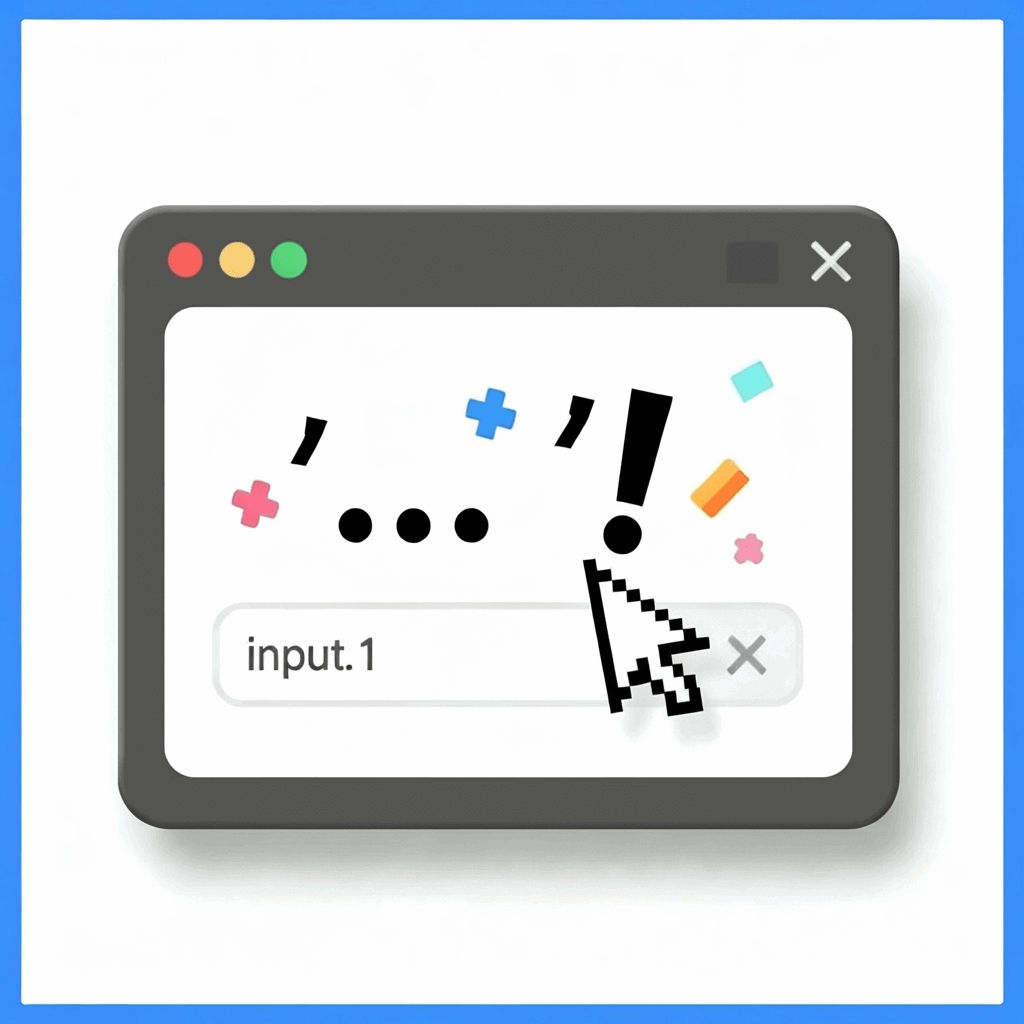
Step 1: Enter Your Text
Type your text or paste it into this Twitter font generator.
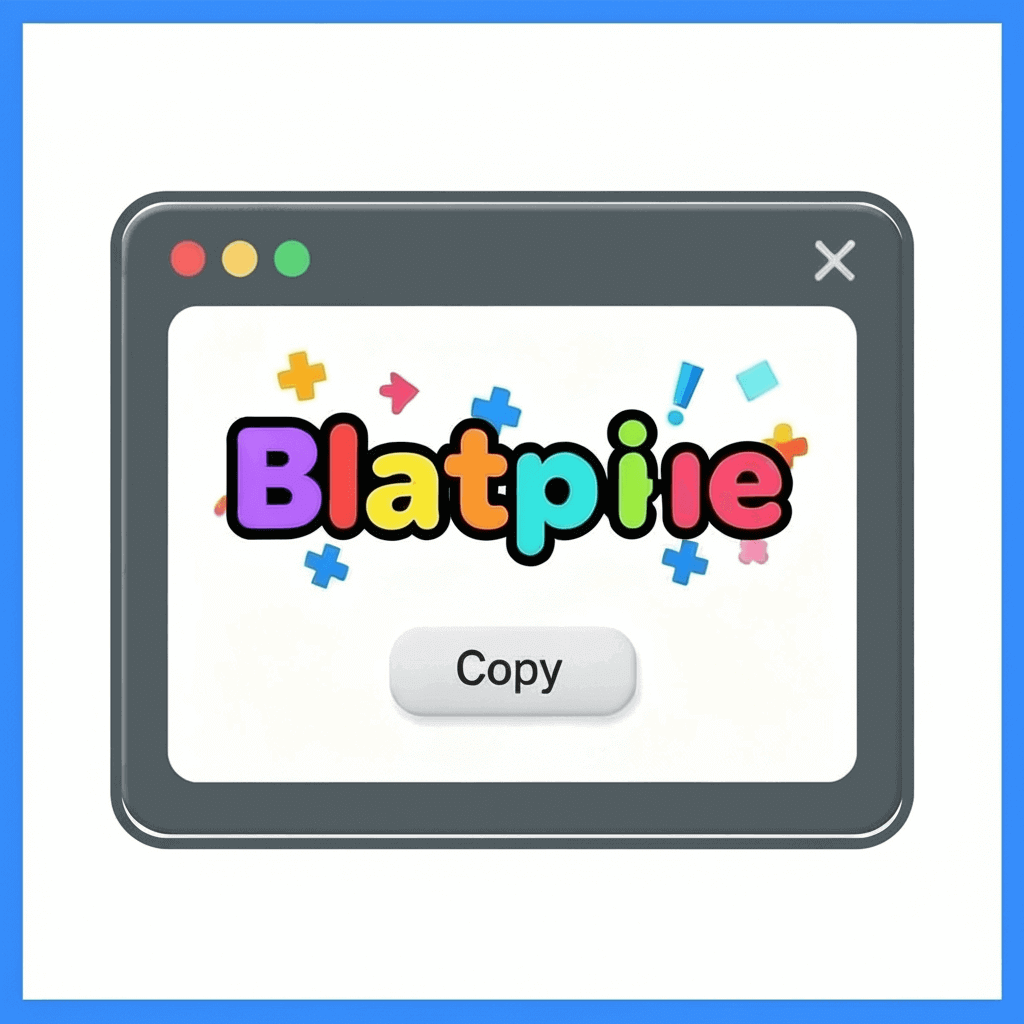
Step 2: Generate Fonts
Click the "Generate Fonts" button to see all available font styles.

Step 3: Copy & Paste
Click any font style card to copy the styled text to your clipboard, then paste it directly into Twitter or X.
Start Creating Stylish Fonts for Your Twitter Posts
Join thousands of users creating eye-catching text styles for Twitter and X. Free, instant, and works perfectly—start generating now!
What Our Users Are Saying
"This Twitter font generator is amazing! I use it daily to make my Twitter posts stand out. The variety of fonts is incredible, and it works perfectly on Twitter and X. Highly recommend!"

"Finally, a font generator that actually works! No sign-up needed, instant results, and the fonts look great on Twitter. This tool has become essential for my content creation workflow."

"I've tried many font generators, but this one is by far the best. Fast, reliable, and completely free. The fonts work perfectly on Twitter and X, making my posts much more engaging!"

Frequently Asked Questions
FAQs