Twitter is one of the world’s most buzzing social platforms, where people follow news, brands, celebrities, and trends in real time. But let’s be honest—not everyone wants to log in every time they peek at a profile or scroll through tweets. Some folks just want to stay under the radar. That’s where a Twitter viewer comes in handy.
A Twitter viewer lets you check out profiles, tweets, images, and videos without signing in. Many of these tools also help you browse anonymously, keeping your activity private. In this review, we break down the top 5 tools for anonymous Twitter browsing. Each one has its own perks, from free access and insightful analytics to simple, no-fuss browsing.
What Is a Twitter Viewer Tool?
A twitter viewer tool is a website or service that lets people access Twitter content without logging in. Users can search by username, hashtag, or tweet link, and the tool will show public tweets, replies, and media.
For example, if someone wants to check the latest posts from a public news account or a tech founder, they can use a twitter viewer to view tweets without creating an account. This is especially useful for people who only want to read content, not interact.
Many professionals also use twitter viewers. A journalist checking multiple sources can see public tweets quickly without switching accounts. A marketer can track competitors and trending topics easily. Even casual users benefit because a viewer provides a cleaner interface without login prompts or ads.
Overall, a twitter viewer is about privacy, simplicity, and speed. It gives access to public Twitter content while keeping users anonymous and focused.
Why Anonymous Twitter Viewing Matters
Meet Alex, a social media manager juggling multiple clients. Every day, Alex needs to check trending topics, competitor accounts, and audience reactions. Logging into a personal Twitter account can get messy—ads, notifications, and recommendations distract from the task, and personal activity might get mixed with professional research.
This is where a Twitter viewer comes in handy:
- Privacy protection – Alex can browse freely without leaving digital traces.
- No login hassle – No accounts or passwords needed, making research faster.
- Distraction-free browsing – Focus solely on the content that matters.
- Research and monitoring – Track competitors, trends, and public accounts efficiently.
- Safety for sensitive browsing – Explore topics or accounts without exposing personal information.
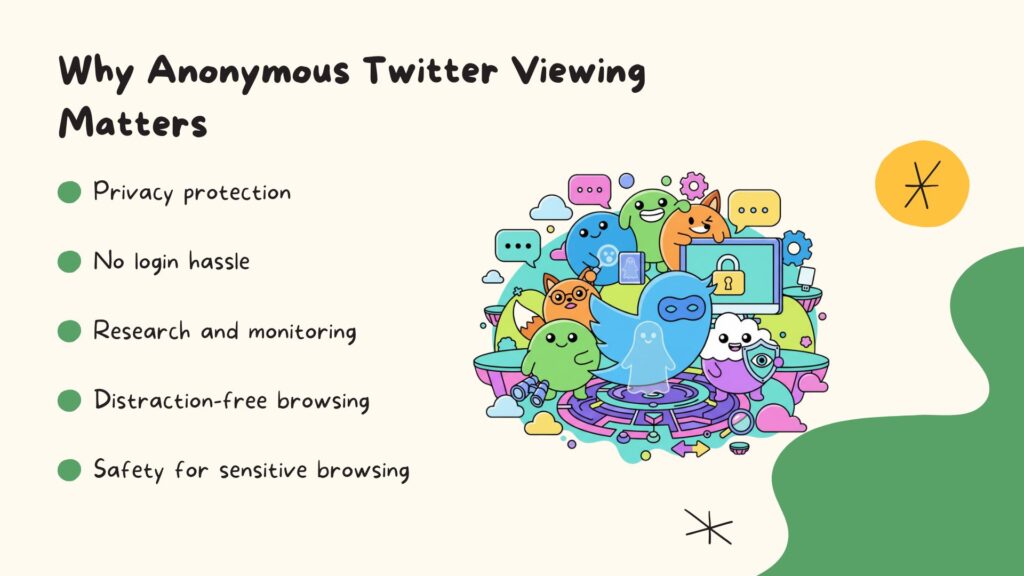
With a Twitter viewer, Alex can work smarter and safer. Tasks that once required juggling multiple accounts or risking personal data are now streamlined. Research becomes more efficient, competitive insights are easier to gather, and sensitive browsing is protected—all without distractions. In short, it turns the often chaotic world of social media monitoring into a focused, secure, and hassle-free experience.
Top 5 Twitter Viewer Tools for Anonymous Browsing
Looking to browse Twitter without leaving a trail? You’re in luck. Below are the top five Twitter viewing tools—each with its own unique strengths and style, designed to fit different needs. Whether you want something ultra-fast for casual scrolling, a media-friendly interface for research, or a structured view for marketing insights, there’s a tool here for you.
1. TweetGrok
TweetGrok is a modern anonymous twitter viewer, perfect for users who follow multiple accounts with rich media content. The tool combines fast access, privacy, and a clean interface, making it ideal for casual users, researchers, and social media managers.

Key Features
- Fully anonymous viewer with free access.
- Clear display of images and videos directly in the interface.
- View profiles, tweets, and replies without login.
- Easy navigation with fast loading times.
- Works well for both casual browsing and research purposes.
Pros
- Completely free with no hidden fees.
- Strong focus on media clarity, making it easy to see images and videos.
- Clean and modern interface for smooth browsing.
- Ideal for monitoring multiple accounts or trending content.
- Allows users to remain fully anonymous.
Cons
- Limited advanced analytics or data insights.
- Focused mostly on viewing, not editing or managing content.
2. Twitter Viewer
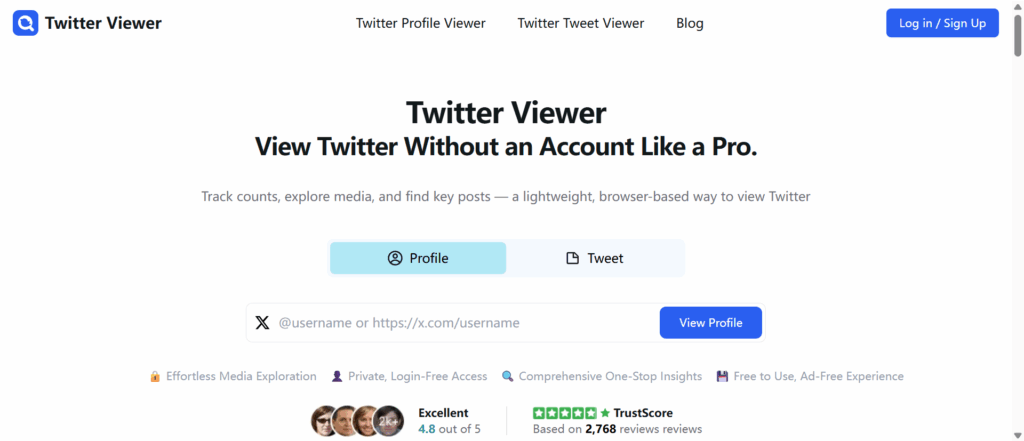
Twitter Viewer is a fast and straightforward viewer. It is designed for users who need quick access to public Twitter profiles and tweets. The website focuses on speed and simplicity, making it ideal for casual browsing or quick checks.
Key Features
- Quickly view public Twitter profiles and tweets without logging in.
- Simple search by username or tweet link.
- Minimalistic interface for fast browsing.
- Load tweets and basic media like images directly in the browser.
Pros
- Extremely easy to use, suitable for first-time users.
- No account or setup required.
- Fast page loading even for profiles with many tweets.
- Good for quick checks of a single account or trending tweets.
Cons
- Limited media display; videos and larger image galleries may not load well.
- No extra features such as analytics, sorting, or saved searches.
- Basic interface may feel too simple for users who want more information.
3. Snaplytics
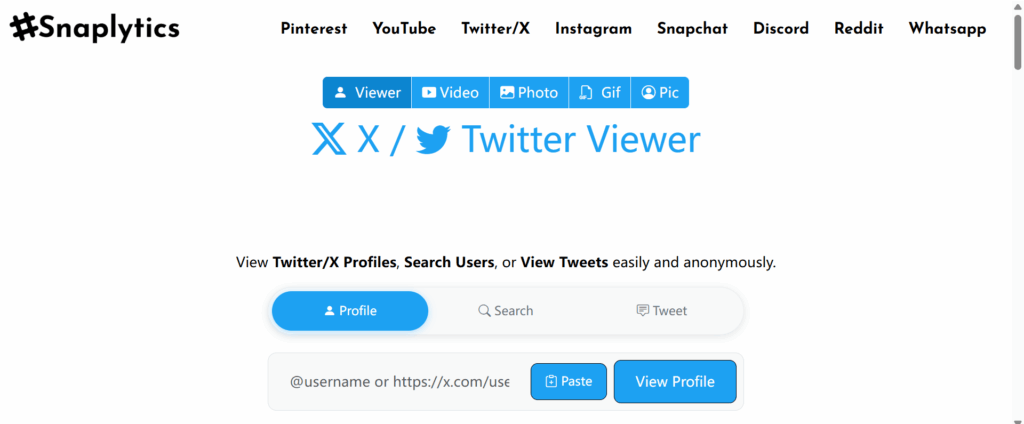
Snaplytics emphasizes organized, structured viewing. It is suitable for marketers, researchers, and professionals who want a clear overview of public Twitter content. Snaplytics presents tweets and profiles in a format that is easier to analyze than casual browsing tools.
Key Features
- Provides organized layout for viewing tweets and profiles.
- Supports search by username or tweet links.
- Displays tweets in a structured format for easier reading.
- Works in a browser without login.
Pros
- Good for research or marketing analysis.
- Clear and organized display of tweets and replies.
- Stable performance even with profiles that have many tweets.
- Suitable for users who need structured information rather than casual browsing.
Cons
- Limited free access for some features.
- Less focus on media content like images and videos.
- Not designed for casual users who want simple browsing.
4. Twillot
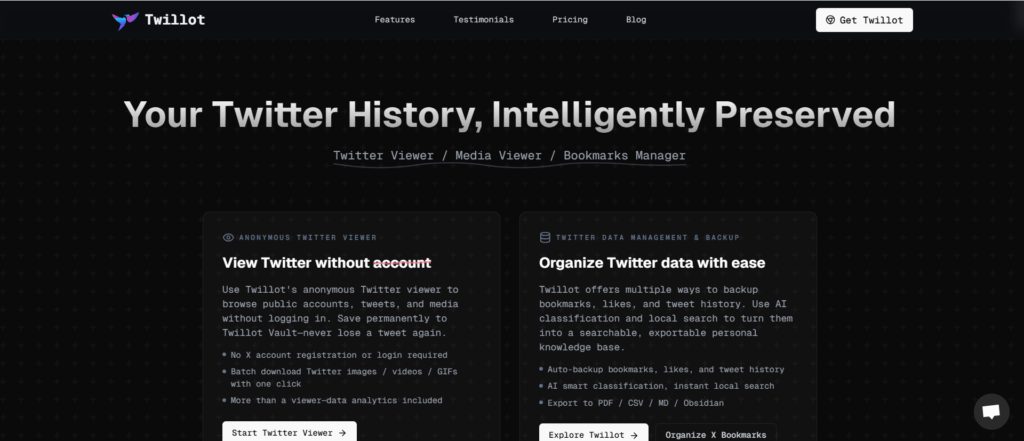
Twillot is a twitter viewer with strong multilingual support. It is ideal for international users who need to browse public Twitter content in different languages. Twillot works across desktop and mobile devices, offering anonymous access in multiple languages.
Key Features
- Anonymous access to Twitter content.
- Supports multiple languages.
- View profiles, tweets, replies, and some media.
- Works without login and compatible with multiple devices.
Pros
- Useful for non-English speaking users.
- Easy to navigate and user-friendly interface.
- No account or registration needed.
- Works on desktop and mobile devices.
Cons
- Media display is basic; full-size videos may not always load.
- Loading may be slower for profiles with many tweets.
- Updates and new features are limited.
5. ArchivlyX
Archivlyx focuses on archived Twitter content. It is ideal for users who need to review older tweets or historical activity on public accounts. The tool provides a simple and clean interface, making it easy to navigate past content.
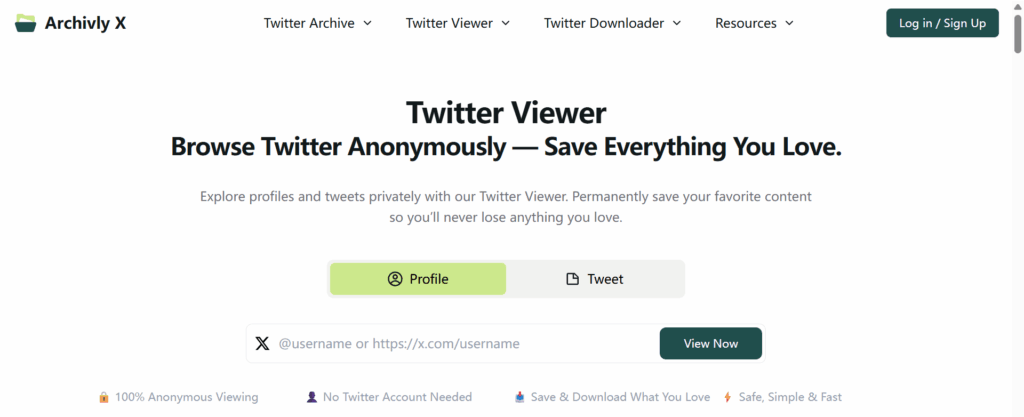
Key Features
- Focus on archived or older Twitter content.
- View public tweets, replies, and profiles without login.
- Search historical tweets and profiles.
- Provides a basic interface for reviewing past content.
Pros
- Ideal for checking older tweets or accounts.
- Simple and clean layout for easy reading.
- Anonymous access without login.
- Useful for research, reporting, or historical reference.
Cons
- Not designed for real-time browsing.
- Limited media features; images and videos may not always load.
- Updates and recent content may not be fully reflected.
Twitter Viewer Usage Scenarios
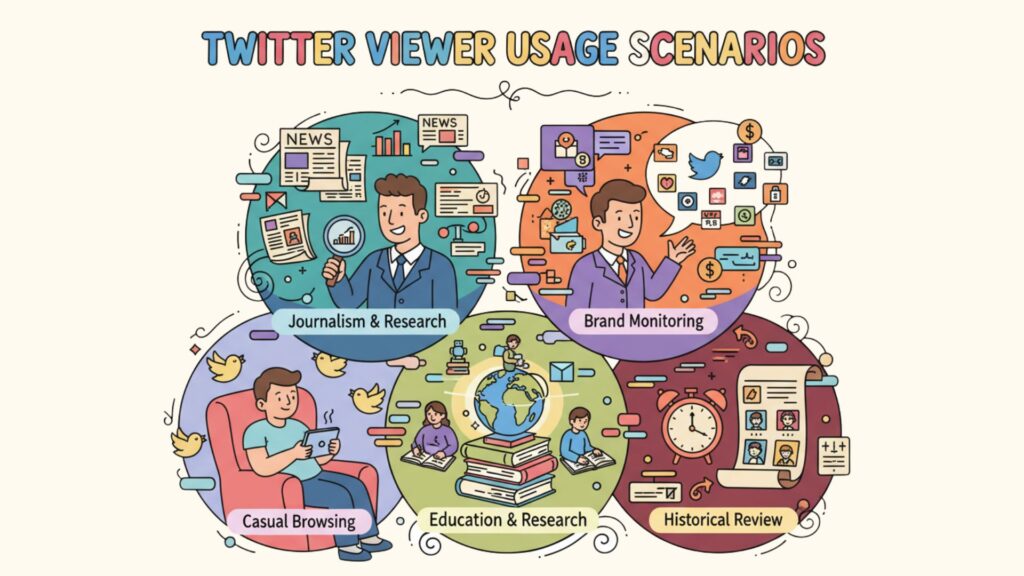
Twitter viewers are incredibly handy in everyday life—they make browsing smoother, faster, and, best of all, keep your activity completely private. No more accidental likes, revealing follows, or leaving digital footprints everywhere you go. Here are some common ways people put them to good use:
Journalism & Research – Journalists can quietly monitor political accounts, trending hashtags, or breaking news without logging in over and over. It keeps professional research separate from personal activity and avoids unnecessary tracking.
Brand Monitoring – Companies can anonymously check competitors’ tweets to analyze content strategies, campaign performance, and audience engagement. Marketing teams get valuable insights without revealing their own activity or interests.
Education & Research – Students and researchers can collect data from public accounts for projects, case studies, or trend analysis. A viewer lets them focus on the content that matters without account restrictions or distractions.
Casual Browsing – Want to follow celebrities, news outlets, or sports accounts? No Twitter account needed. This lowers the barrier to entry and provides a quick, clean browsing experience.
Historical Review – Analysts, archivists, or enthusiasts can browse past tweets to track campaign performance, public reactions, or the evolution of trending topics over time.
Conclusion
Twitter never sleeps—and keeping up shouldn’t be a headache. Logging in, juggling accounts, and wading through notifications can get messy fast. That’s why Twitter viewers are a game-changer: they let you browse freely, stay private, and focus on what really matters.
Whether you’re tracking trends, doing research, or just catching up on your favorite accounts, these tools make everything faster and simpler. Among them, TweetGrok stands out with its clean interface, fast performance, and smooth media display—perfect for casual scrolling or digging into insights without leaving a trace.
In short: skip the chaos, protect your privacy, and enjoy Twitter on your own terms—efficient, distraction-free, and completely under your control.